Incorrect password
Cisco · Duo Mobile · AI Pod

Onboarding
AI Experiment

Can a small pod move faster — and build better — using AI?

Team
Lei · John · Marshall · Angela
Duration
4 weeks
W1
Setup
Tooling
W2
Research & Design
Discovery
W3–4
Eng & Build
Weeks 3–4
R
Retro

Goal

Identify specific friction points in the Duo Mobile onboarding experience and use AI tooling to accelerate discovery, design, and delivery — while maintaining quality and auditability.

Product
  • AI-assisted product discovery
  • Faster alpha → beta cycles
  • Use Amplitude data to guide prioritization
Design
  • Increase design velocity with AI
  • Translate feedback into faster iterations
  • Tighten design → engineering handoff
Engineering
  • Requirements → technical plan via AI
  • AI-assisted code review
  • Ship faster without sacrificing code quality
W1
Setup
Tooling
W2
Research & Design
Discovery
W3–4
Eng & Build
Weeks 3–4
R
Retro

Week 1 — Tooling setup

Level-setting on AI
Shared how each person was using AI in their work. Walkthroughs, demos, and figuring things out together as a team.
Getting access & tools connected
Git, Xcode, repos, MCPs — getting the full team set up and running before any real work could start.
Thanks to eng for helping design get set up
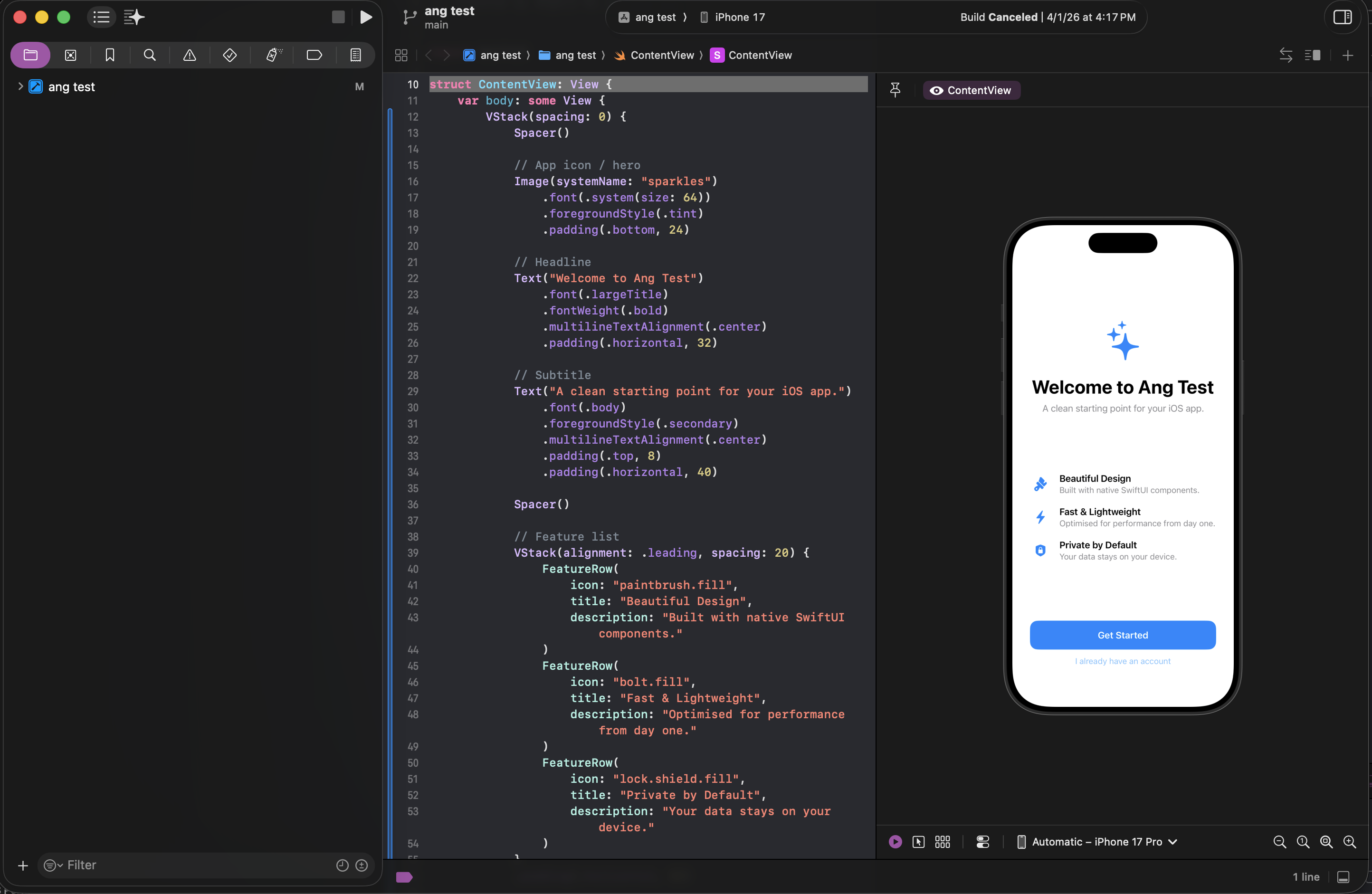
Xcode with app running in simulator
W1
Setup
Tooling
W2
Research & Design
Discovery
W3–4
Eng & Build
Weeks 3–4
R
Retro

Week 2 — Research & Design

Competitive research via Claude
Used Claude to survey how other apps handle onboarding — surfacing patterns and informing design direction faster than a manual audit.
Experimenting in Xcode
Used Claude Code to generate SwiftUI screens directly in Xcode — seeing designs run as real code in the simulator for the first time.
W1
Setup
Tooling
W2
Research & Design
Discovery
W3–4
Eng & Build
Weeks 3–4
R
Retro

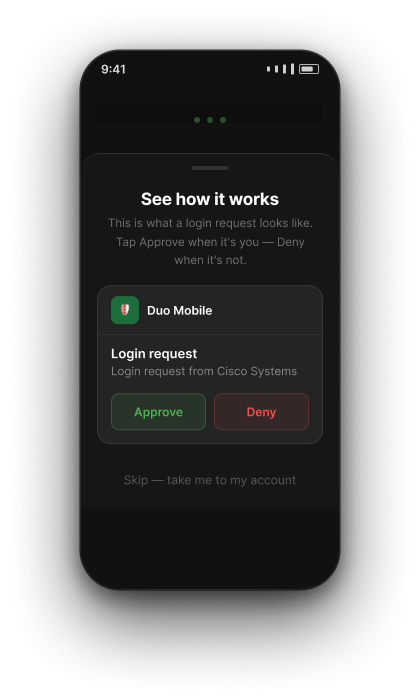
Onboarding today

Amplitude showed us that users were actively choosing to skip parts of the flow. Are these screens actually useful, or are they just in the way?

Current flow
1
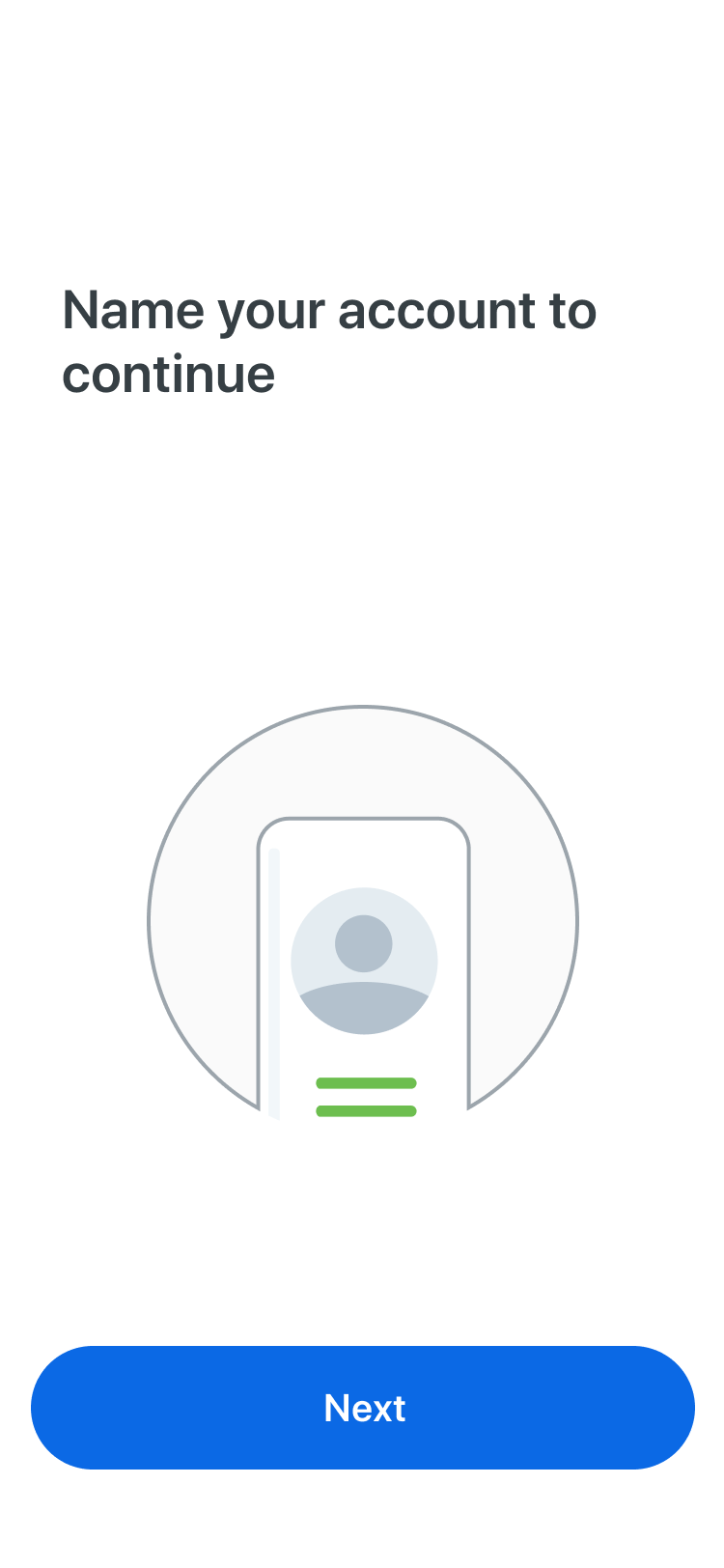
Create & Name Account
2
Practice Push
↓ Drop-off
2a
Backup Encouragement
3
Settings Encouragement
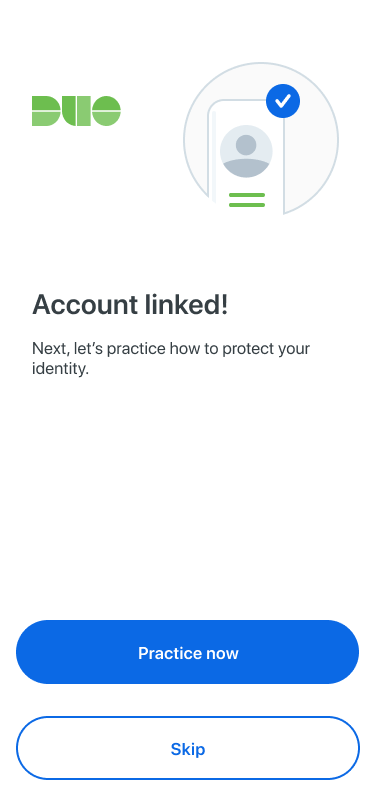
Account Linked screen
Account Linked
~60%
choose to skip
practice flows
W1
Setup
Tooling
W2
Research & Design
Discovery
W3–4
Eng & Build
Weeks 3–4
R
Retro

Onboarding today

Many screens are purely informational — no meaningful action, just taps to proceed.

Total taps — with practice
iOS
15
taps
Android
18
taps
Informational screens — no meaningful action
W1
Setup
Tooling
W2
Research & Design
Discovery
W3–4
Eng & Build
Weeks 3–4
R
Retro

What we redesigned

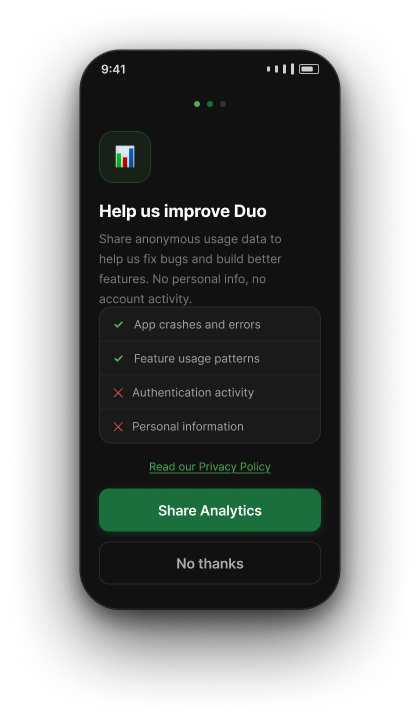
Reordered to surface permissions earlier, made Practice Push optional, and removed screens with no meaningful action.

Before
After
1
Create & Name Account
2
Practice Push
↓ moved to end
2a
Backup Encouragement
Android only
3
Settings Encouragement
↑ moved earlier
1
Create & Name Account
2
Settings Encouragement
2a
Backup Encouragement
Android only
4
Practice Push Skippable
W1
Setup
Tooling
W2
Research & Design
Discovery
W3–4
Eng & Build
Weeks 3–4
R
Retro

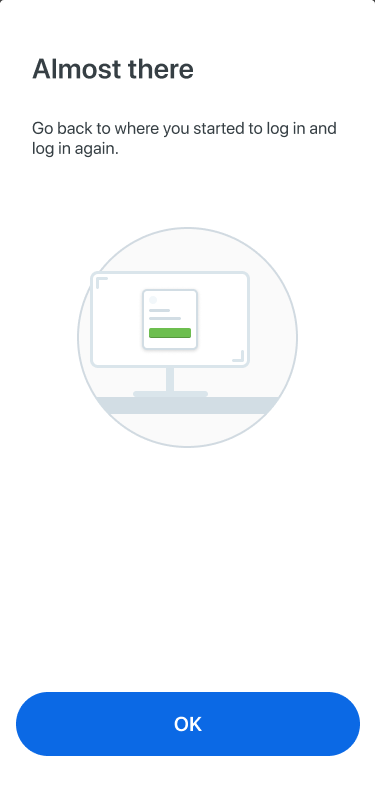
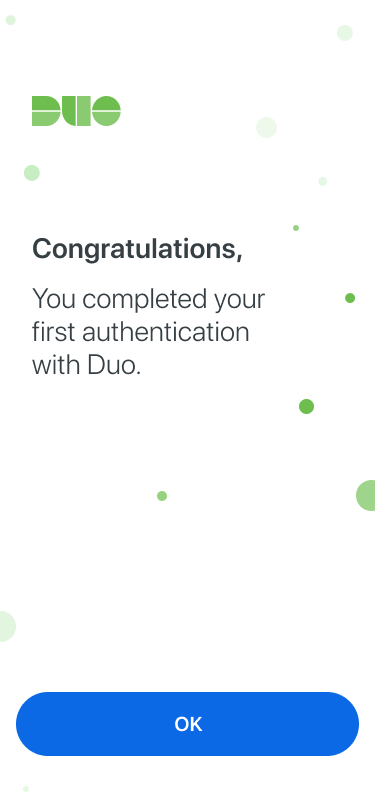
Screens we changed

Changes were kept as lightweight as possible. The priority was improving the flow, not a full visual redesign.

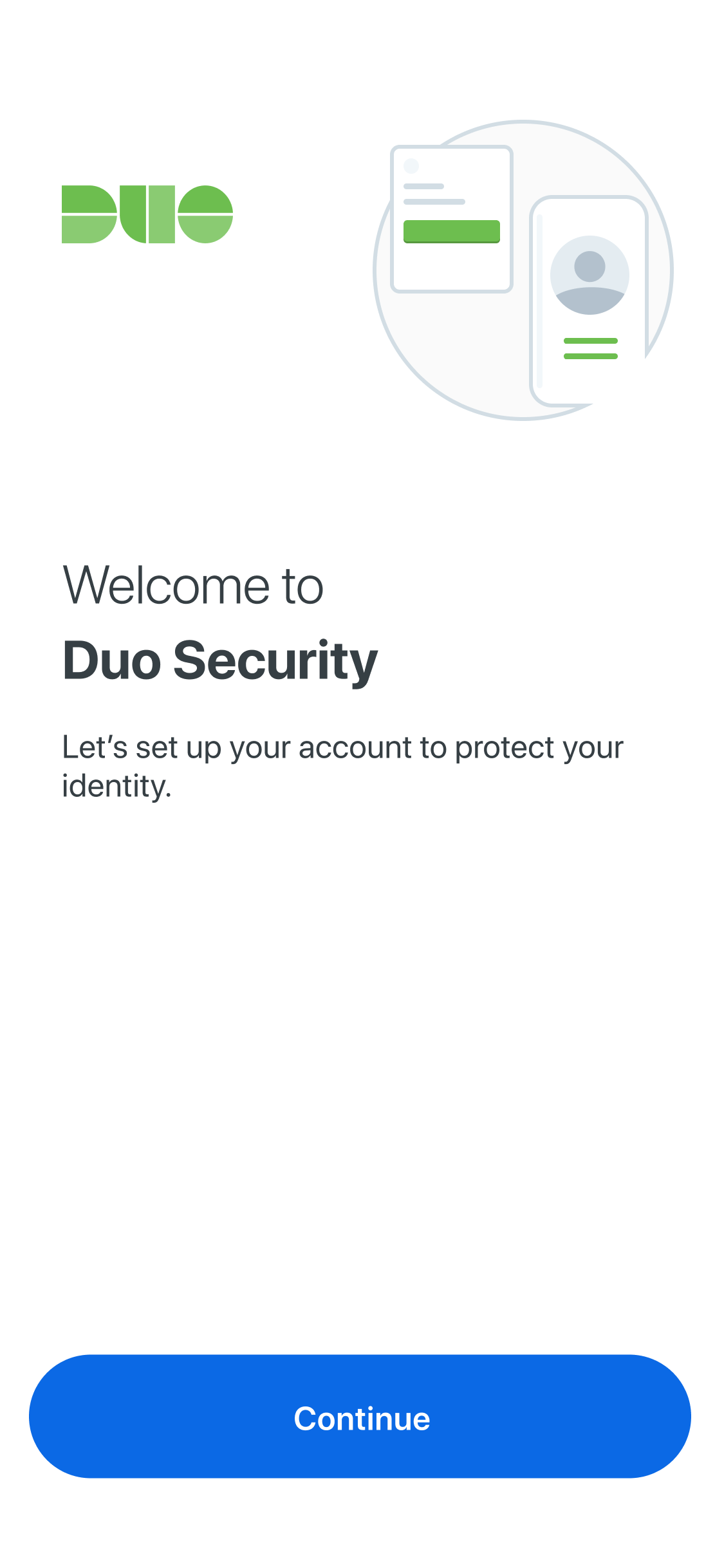
Merged
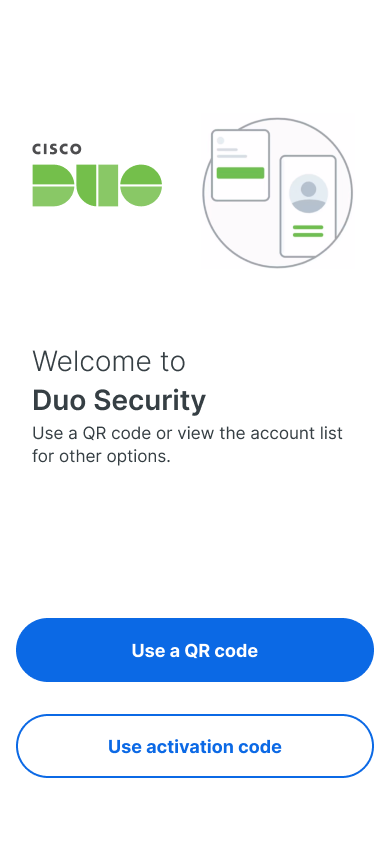
Welcome screen
Removed
Name your account
Redesigned
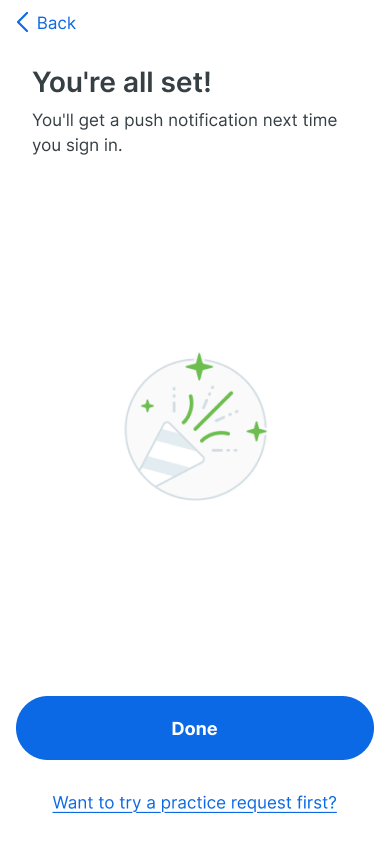
Almost there → You're all set
Redesigned
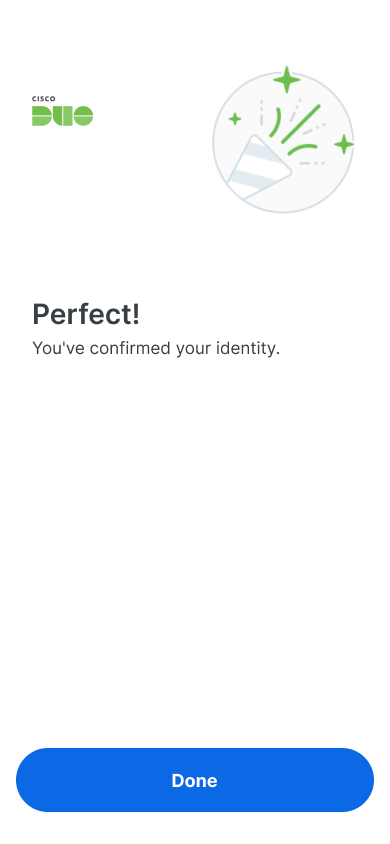
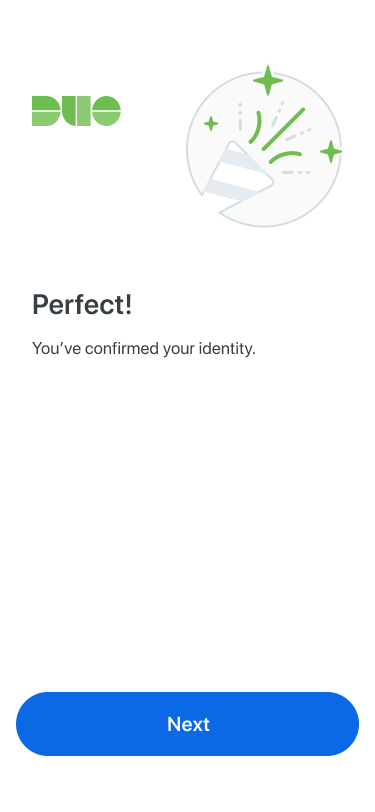
Perfect!
W1
Setup
Tooling
W2
Research & Design
Discovery
W3–4
Eng & Build
Weeks 3–4
R
Retro

Design → Eng handoff

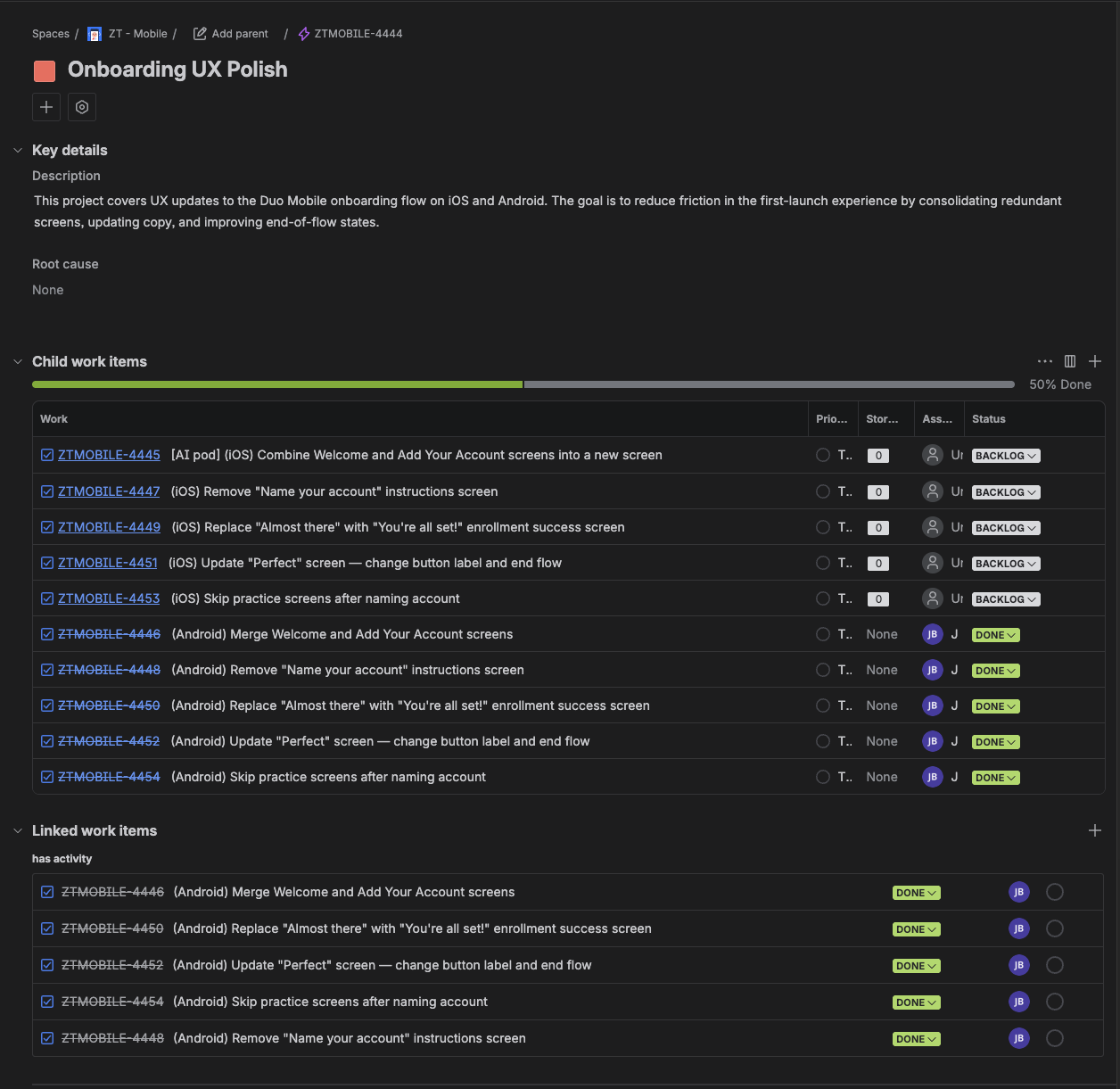
After finalizing the screen changes, we used the Jira MCP to have Claude generate a full epic and task breakdown directly from the design decisions — no manual ticket writing.

Claude + Jira MCP
Created epic ZTMOBILE-4444 and 10 child tasks directly from design decisions — no manual ticket writing.
iOS + Android split
Tasks automatically paired per platform, 5 each — ready for engineers to pick up directly.
W1
Setup
Tooling
W2
Research & Design
Discovery
W3–4
Eng & Build
Weeks 3–4
R
Retro

Week 3 — Engineering

Design outputs → implementation plan
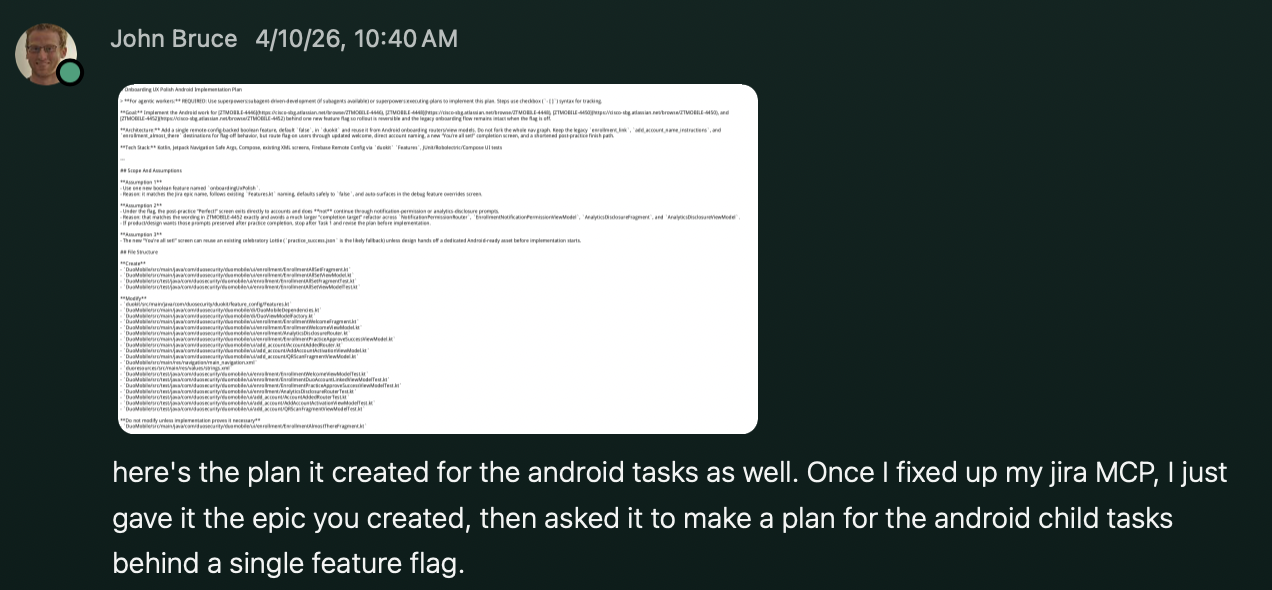
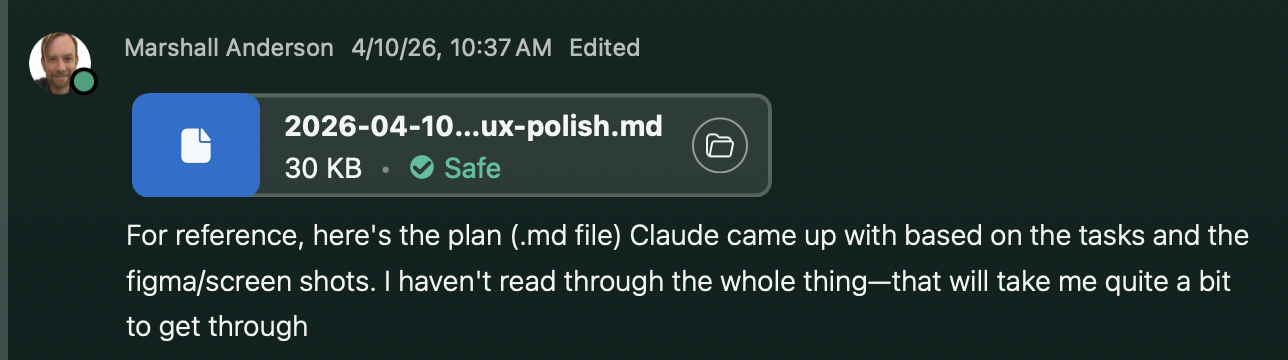
Claude was given the Jira epic + Figma screens and generated a full implementation plan and code.
~80% of Claude's code merged as-is
"It will take some time for me to fix everything up and get it merged into master."
W1
Setup
Tooling
W2
Research & Design
Discovery
W3–4
Eng & Build
Weeks 3–4
R
Retro

See it in action

Demo recordings of the redesigned flow from engineering's initial implementation, with refinement that followed.

Android

* Backup steps not shown in this recording.

w/o practice
w/ practice
Before
14
taps
18
taps
−5 taps
After
9
taps
13
taps
iOS

* Recording starts after the welcome screen.

w/o practice
w/ practice
Before
11
taps
15
taps
−5 taps
After
6
taps
10
taps
W1 · W2 · W3–4
R
Retrospective
What we learned

What we liked

👍
A small, focused team with room to experiment. Low structure early on made it easier to explore freely before locking anything down.
👍
Blurred discipline boundaries. Everyone had more visibility into each other's work and direction across the whole project.
👍
Speed from idea to working demo. Concept to running prototype was significantly faster than a typical sprint.
W1 · W2 · W3–4
R
Retrospective
What we learned

What worked

The Amplitude MCP made product data universally accessible and easier to interpret across the whole team.
Small team meant faster decisions and fewer blockers throughout.
Claude sped up design ideation — explored more directions before committing to one.
Generating Jira tickets from design made the handoff to eng more streamlined and less manual.
~80% of the code Claude generated was usable by eng.
W1 · W2 · W3–4
R
Retrospective
What we learned

What didn't work

Friction points that emerged across each discipline during the experiment.

PM
Problem definition still needs a human owner.
No clear decision-maker meant progress stalled.
Weekly alignment still required a dedicated sync.
Design
Weak foundations limit how much AI can actually accelerate your work.
Code as a design deliverable doesn't add value for eng.
Sometimes it's just faster to make the change in Figma than to prompt and wait.
Eng
Eng couldn't start until design was finalized.
Initial ramp-up on docs and tickets was unchanged.
PR reviews and merging took the same amount of time.
W1 · W2 · W3–4
R
Retrospective
What we learned

Key takeaways

AI can compress a lot of the upfront work: research, ideation, and getting things moving faster.
Bottlenecks still exist. Anything that requires judgment, decisions, or polish still takes time.
Better handoffs unlock more acceleration. The quality of what you pass forward matters.
PM
handoff
Design
handoff
Eng
AI accelerates
Bottleneck
One experiment is a starting point, not a playbook.